

Customers, invoices and payments, synced with QuickBooks.
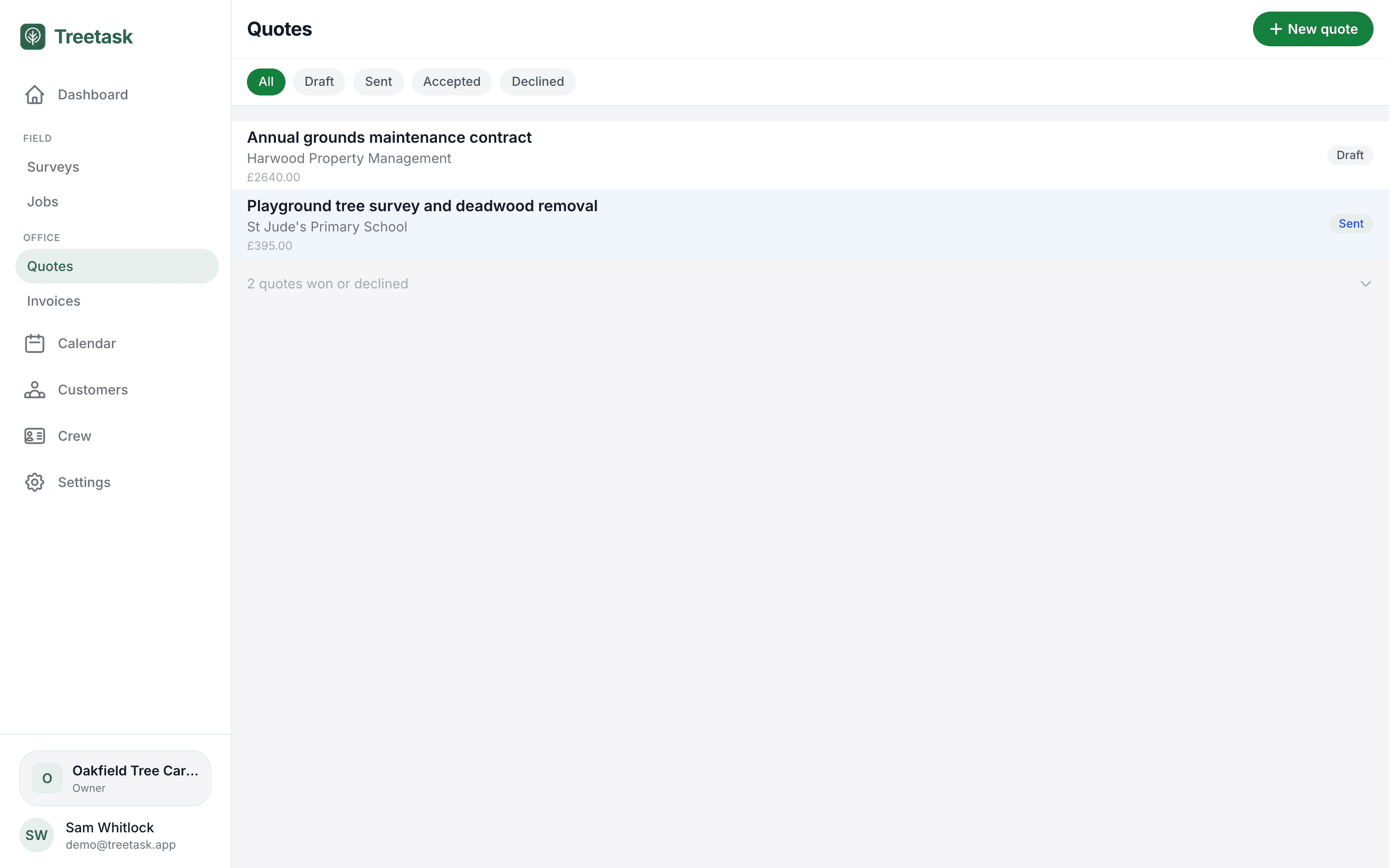
Connect QuickBooks and the office work stops being done twice. Quotes and invoices you raise in Treetask land in your accounts, and when a customer accepts a quote or pays an invoice, that comes back the other way — so the two never disagree about what is owed.
What you get once it is connected
One connection, made once by the business owner from Settings. After that it works in the background.
- Bring your existing customers across in one go
- Push a quote as an estimate, and an invoice as an invoice
- Let QuickBooks email the document to your customer from your own account
- Quotes your customer accepts in QuickBooks come back marked accepted
- Invoices show as paid here when the money lands there
- VAT arrives as VAT, not as a lump sum
Start with the customers you already have
Connecting offers to import your QuickBooks customers, so you are not retyping an address book you have spent years building. It matches on name and postcode as well as email, so the same person does not arrive twice, and imported addresses are placed on the map for you.
Quotes and invoices, raised once
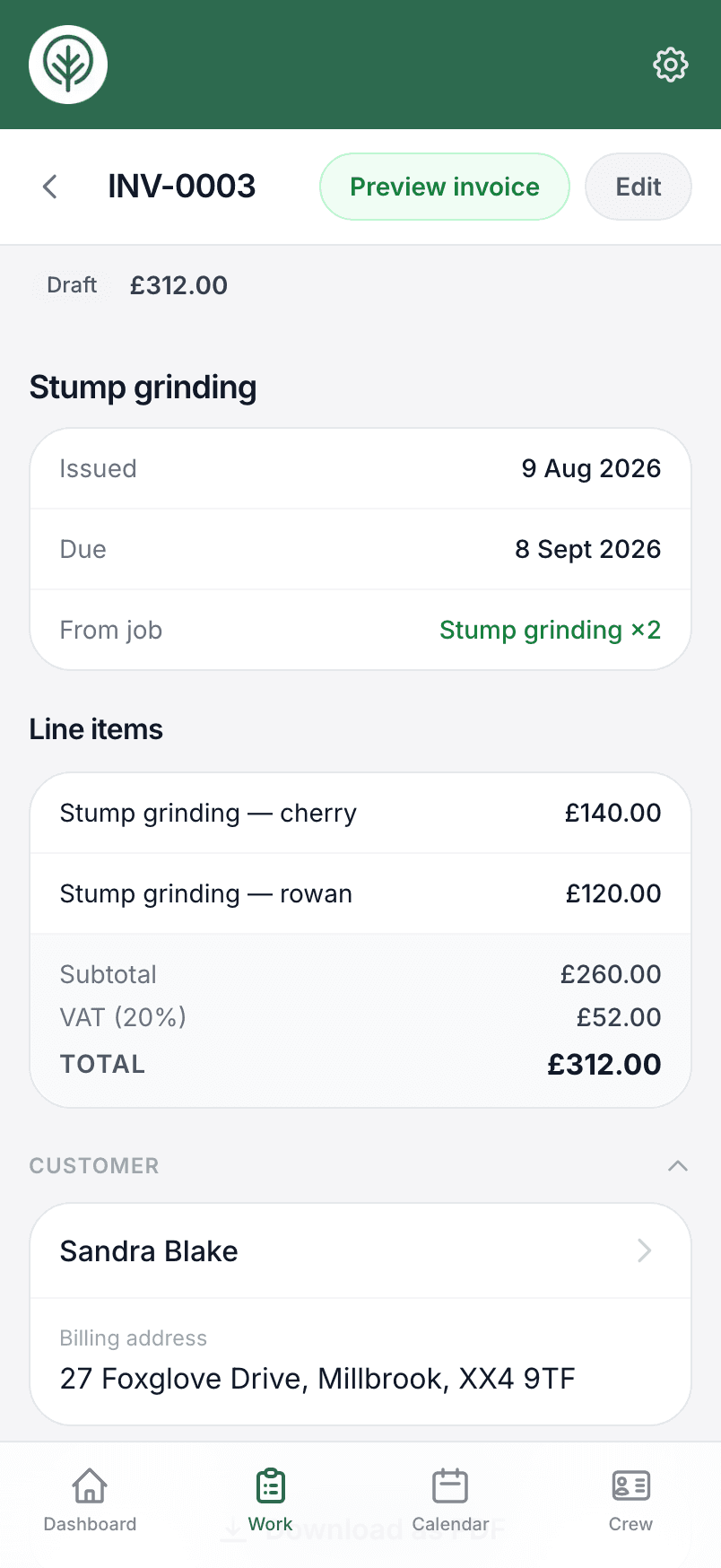
Price the work in Treetask and push it across. A quote becomes an estimate; the invoice for that job becomes an invoice linked to it, so your books show one trail from quote to payment rather than two unrelated documents. Both carry your Treetask document numbers, so a number here is the same number there.
Send it without leaving the job
If your customer has an email address, the same button that pushes the document can send it — QuickBooks emails it from your own account and template, so it arrives looking like the rest of your correspondence, with whatever payment options you have set up there.
Payment and quote statuses come back
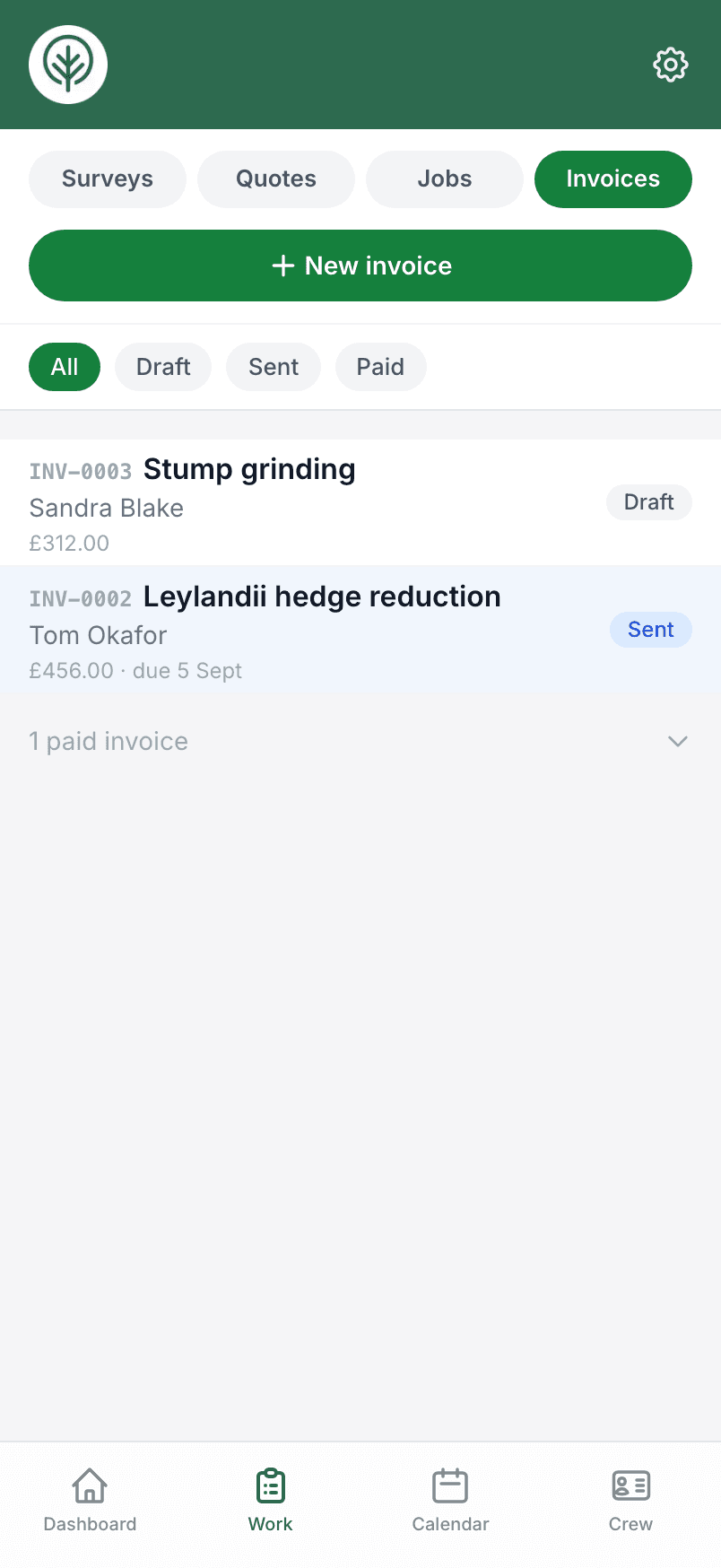
This is the half that saves the chasing. When a customer approves a quote from the QuickBooks email, that quote turns to accepted in Treetask and joins the work waiting to be booked in. When an invoice is paid, it shows as paid here — including part payments, so you can see what is still outstanding rather than guessing. It checks nightly as well as whenever you open your lists, so the figures are right even in a week nobody opened the office screens.
VAT handled properly
If you are VAT registered, QuickBooks is given the net figures and the VAT code, and works the tax out itself — so your VAT return reflects what you actually charged rather than a gross figure filed against the wrong rate.
Treetask stays the record of the work
The connection is one-way for the job itself: what you enter here is the source of truth, and a push always wins. Deleting a draft that had been pushed removes it from QuickBooks too, so you are not left tidying up in two places. Disconnect whenever you like, from the same screen you connected on.
Entirely optional
Treetask does numbering, VAT, document layout and PDFs perfectly well on its own — the integration is there for businesses whose accounts already live in QuickBooks. Xero is on the list.
Try it on your own jobs.
Set your business up in a few minutes and put a real job through Treetask. It’s free to use until 30 November 2026, and there’s no card to enter.