
Quotes from surveys, invoices from jobs.
Quotes and invoices live in the same place as the surveys and jobs they belong to. Build a quote from a survey, turn it into an invoice when the work is done, and choose how it goes to the customer.
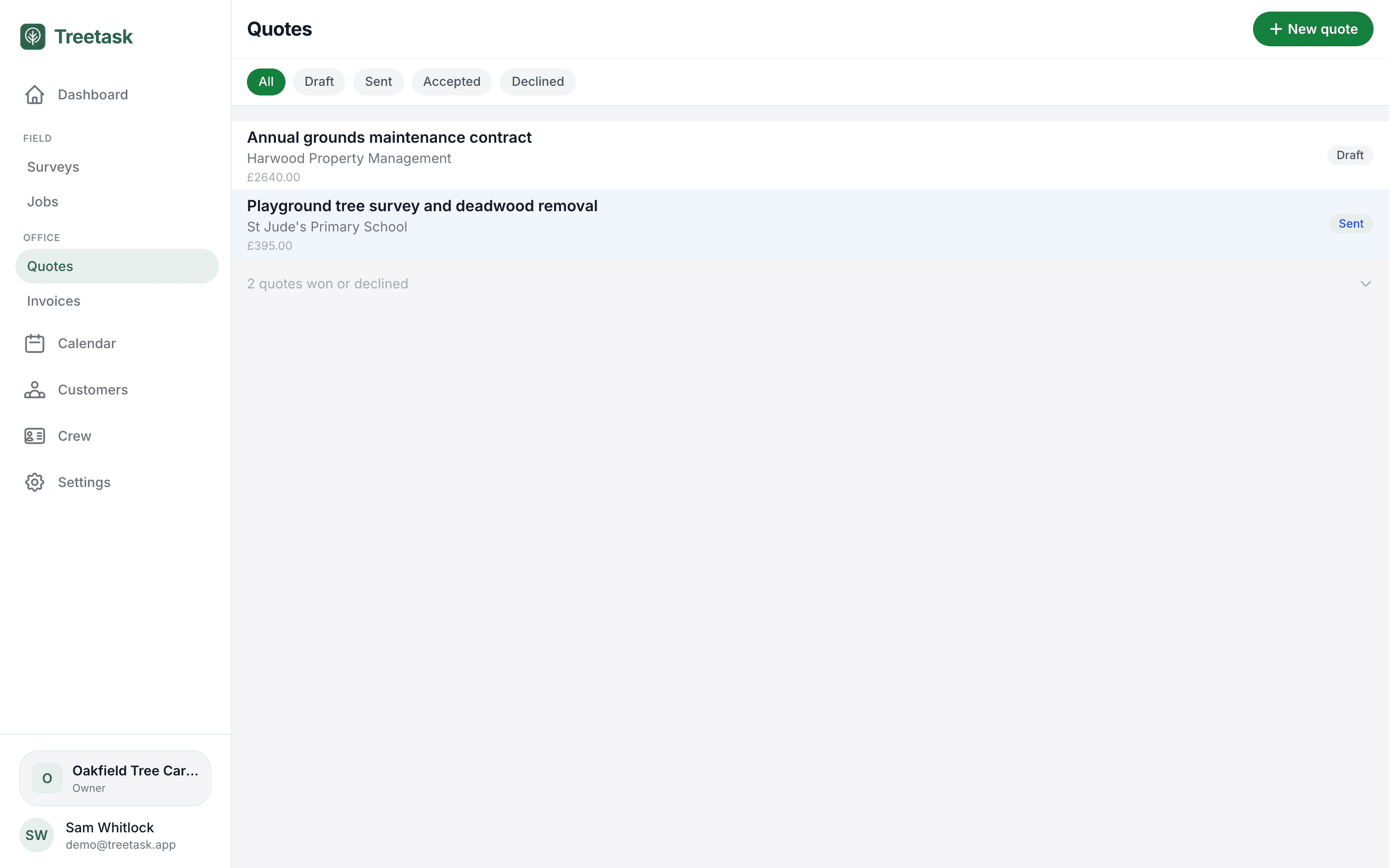
Build the quote from the survey
Turn a site survey into a quote, or start one from scratch for a repeat customer. Break the work into priced tasks and let the totals add up, or set your own figure. You decide how much detail the customer sees.
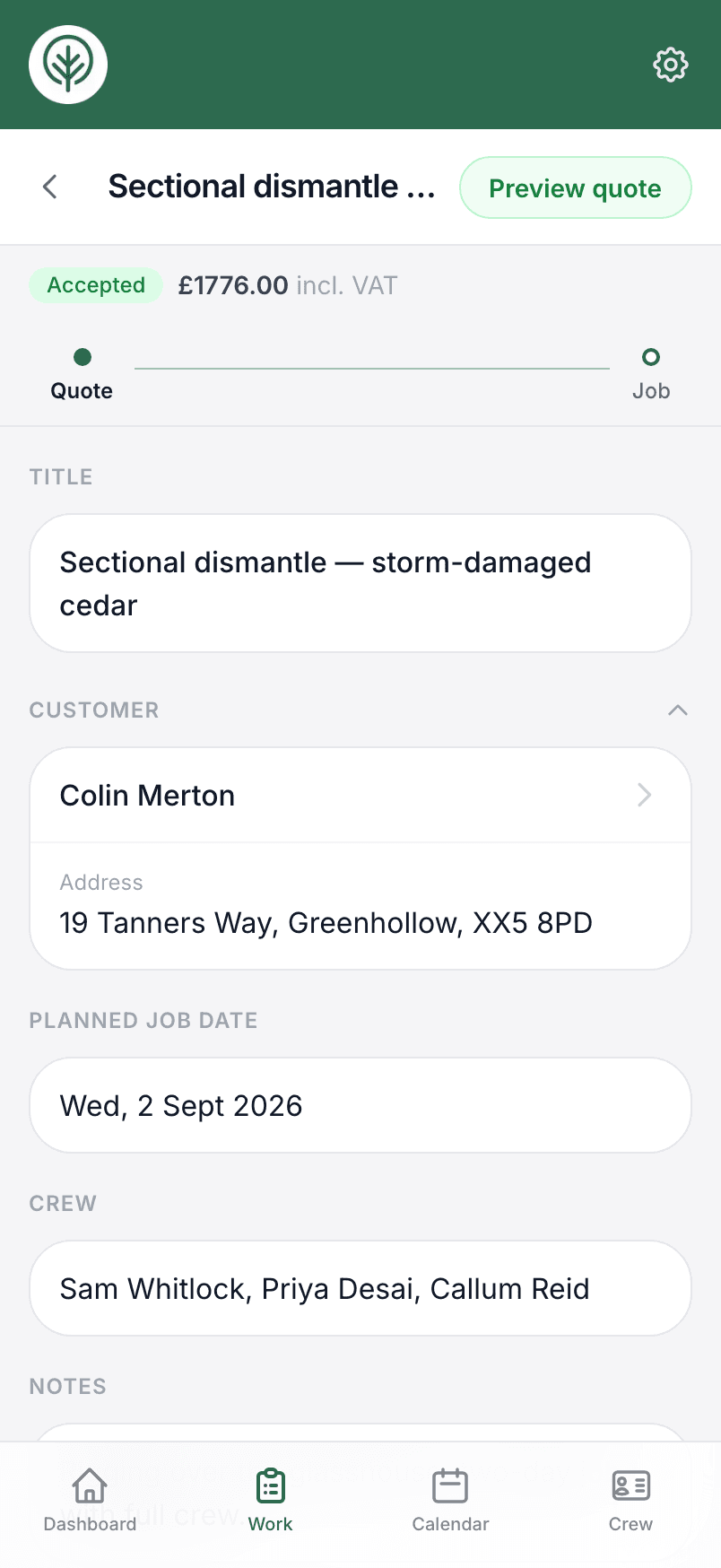
Invoice from the finished job
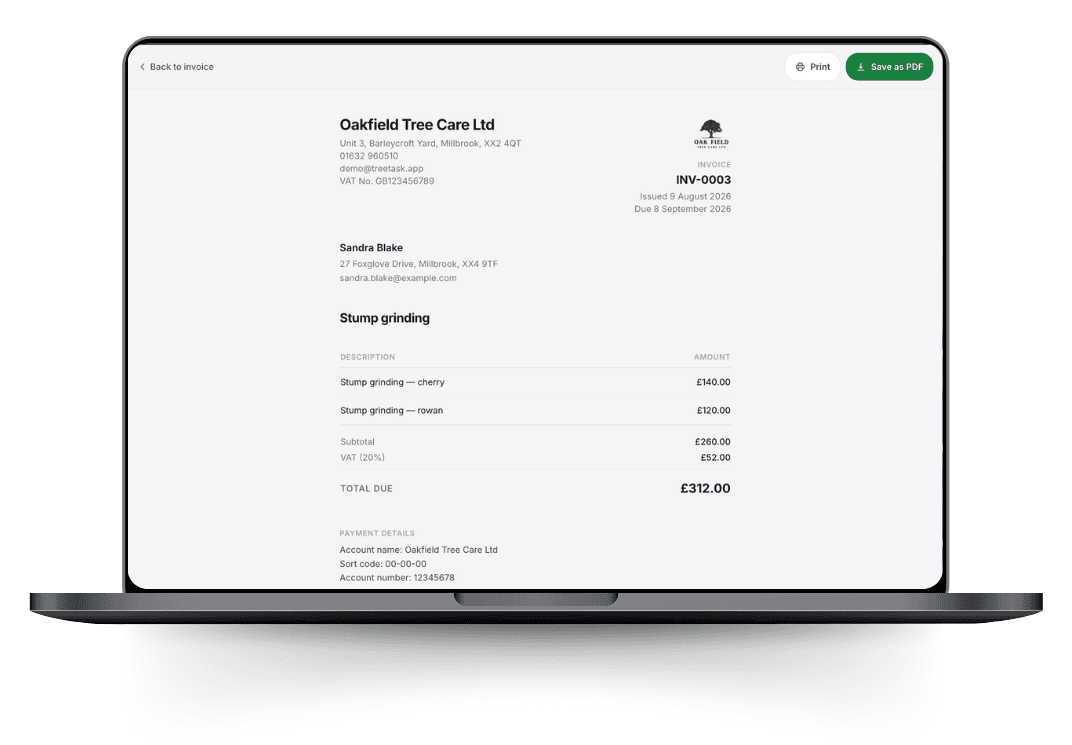
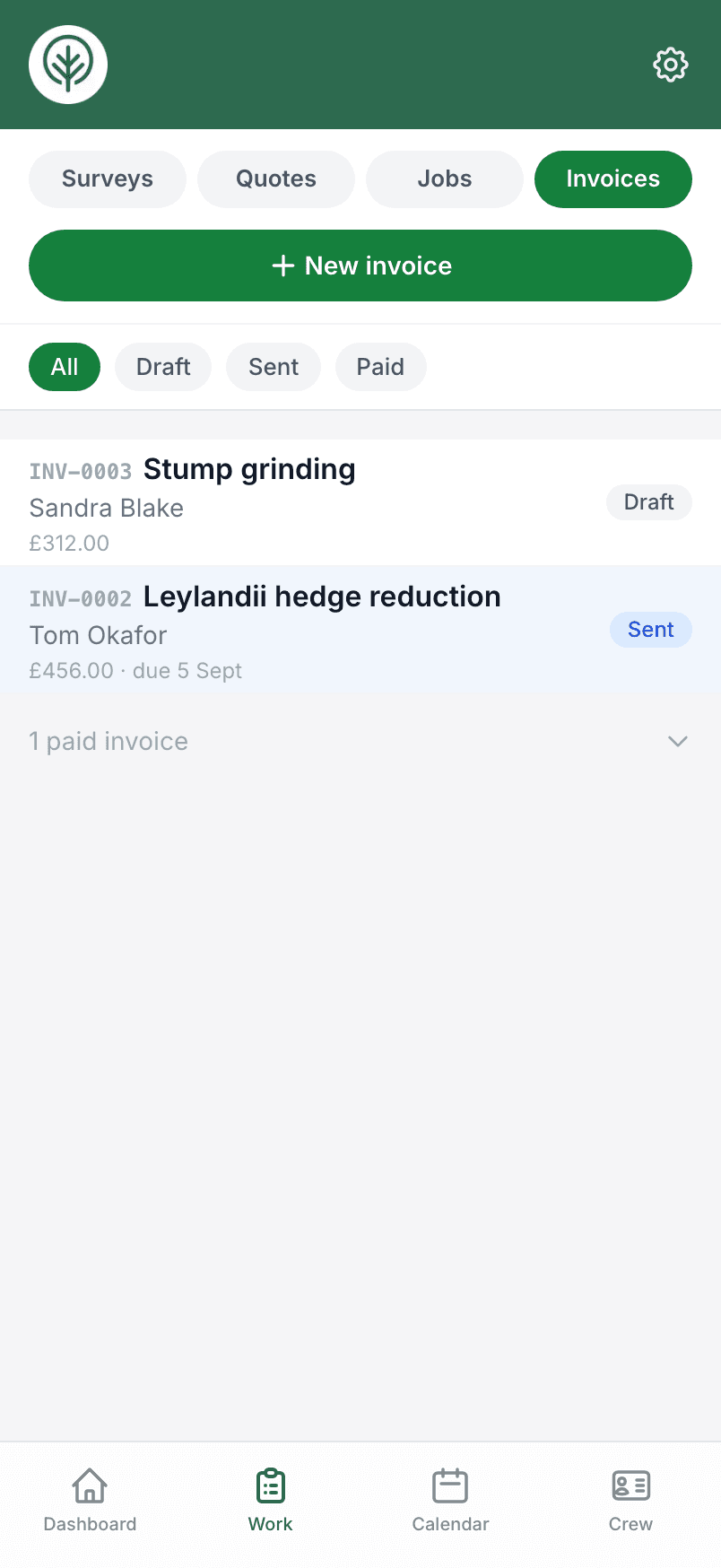
Raise an invoice from a completed job or an accepted quote and the customer, the work and the prices are already filled in, or start one on its own. VAT is handled at whatever rate you charge, and your bank details print on the document.
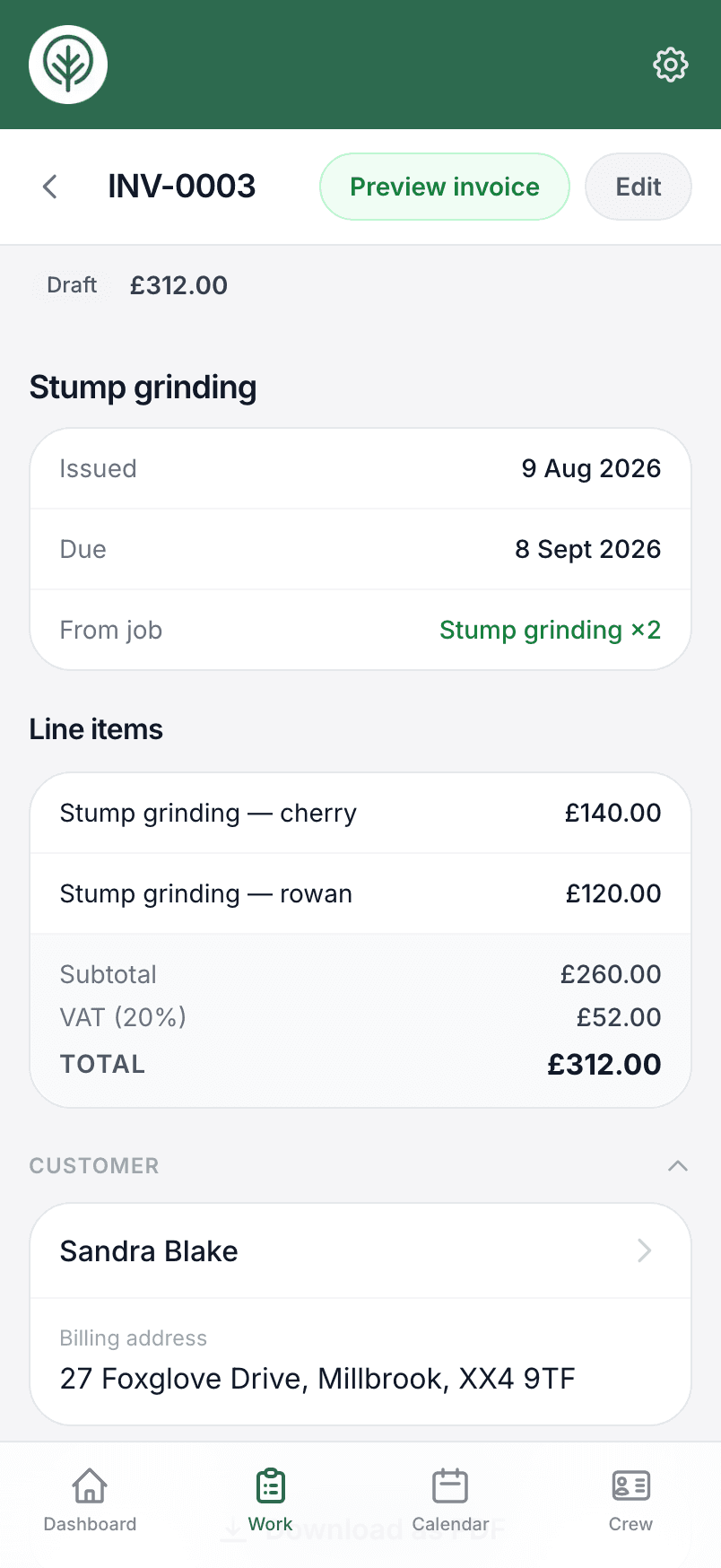
Send it as a PDF or through QuickBooks
There is no single way you have to work. Download the document to send yourself, or push it to QuickBooks and send it from there.
- Download a PDF with your logo, company details and payment information
- Push the invoice to QuickBooks and send it from your accounts
Chase the quotes that go quiet
A quote that gets no reply is usually a quote that gets forgotten. When one has sat unanswered for a week, it appears on your dashboard with a call button and a text button — the text opens your own Messages app with a follow-up already written, so chasing takes seconds and always comes from your own number. A one-line count shows how the last 90 days of quotes went, so you can see your win rate rather than guess it.
- Quotes unanswered for a week, flagged oldest first
- A ready-written follow-up text, sent from your own phone
- Sent, won, declined and unanswered, counted over the last 90 days
Paid statuses come back from QuickBooks
Connect QuickBooks and Treetask keeps your invoice statuses in step. When an invoice is settled in QuickBooks, it is marked paid in Treetask too, so your job list always reflects what has actually come in.
Try it on your own jobs.
Set your business up in a few minutes and put a real job through Treetask. It’s free to use until 30 November 2026, and there’s no card to enter.