
Your kit, its inspections and its history.
Know what you own, when each item is due for inspection, and what's happened to it, with the examiner's paperwork attached.
What’s in it
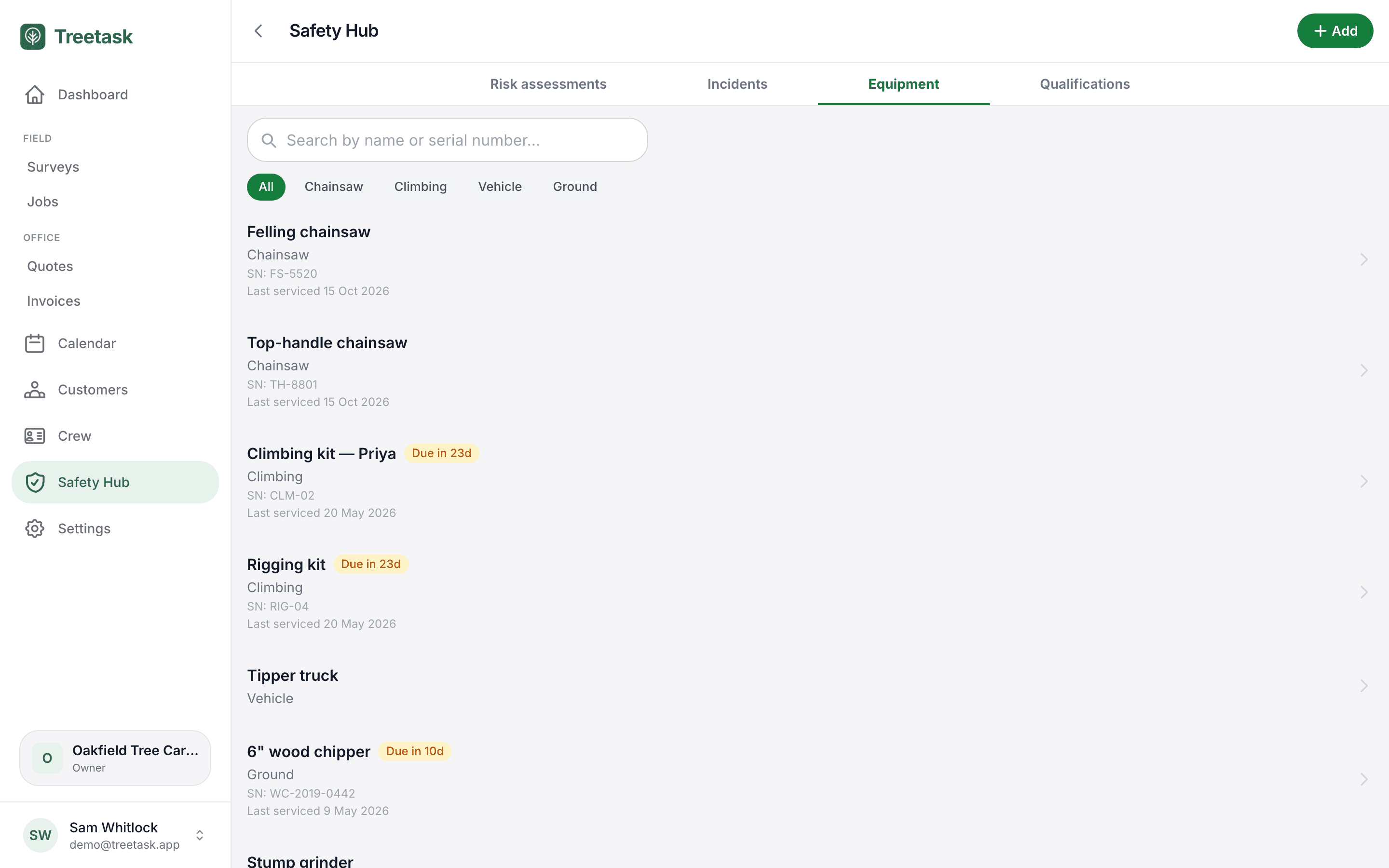
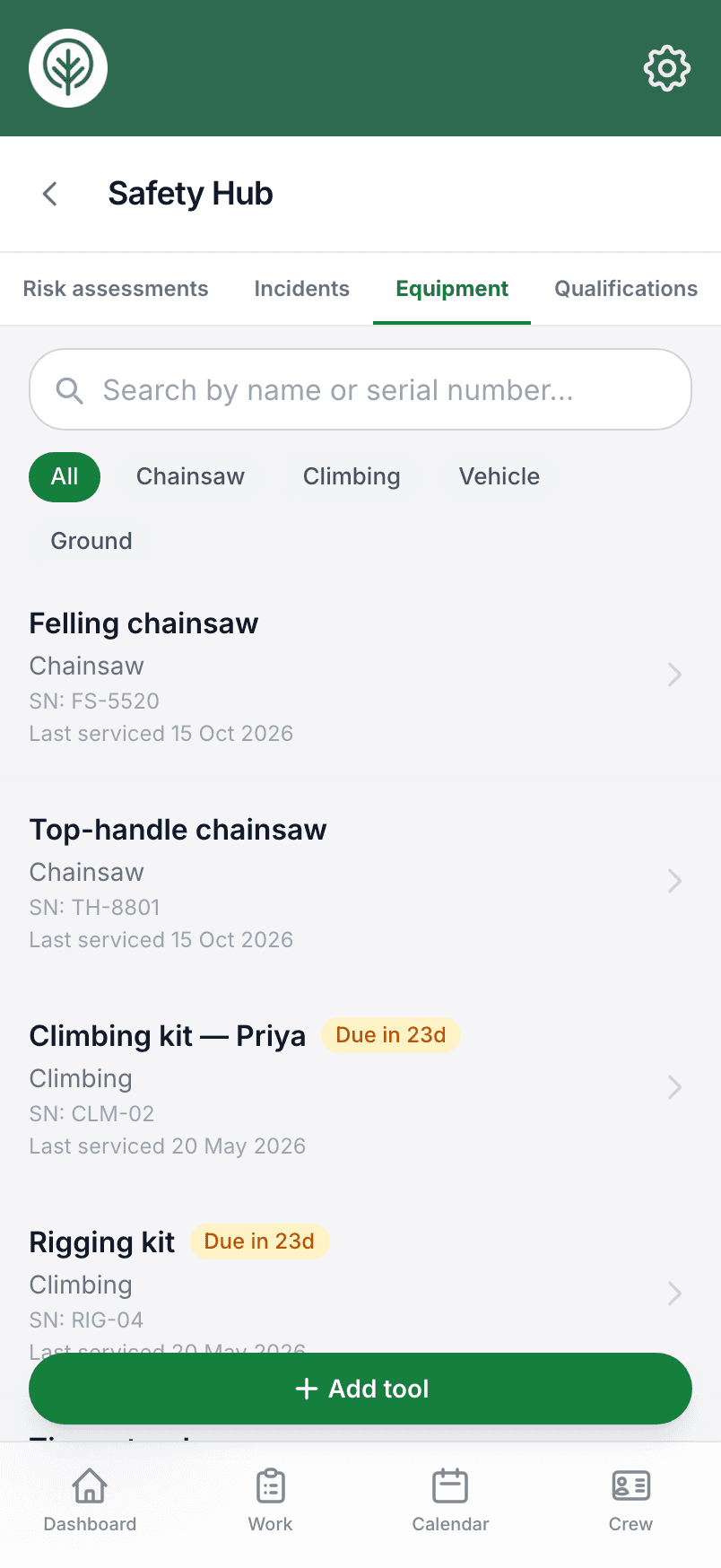
Kit records you can produce when asked.
One inventory
Saws, climbing kit, rigging and vehicles by category, with serial numbers.
Inspection intervals
Every month to every two years, with the next due date worked out for you.
A service history
Every service and examination logged against the item, with the outcome.
Reports attached
Upload the examiner's report or a receipt to each service record.
Checklists per item
Write the checks each tool needs and tick them off at every service.
Take it out of service
A failed item is quarantined and can't be added to a job until it's put back.
Reminders
Anything coming due shows on your dashboard, on a lead time you choose.
Assigned to jobs
Attach the gear a job needs, so the crew know what should be on the van.
In the Safety Hub
Your kit sits on the Safety Hub's Equipment tab, next to the risk assessments.
Try it on your own jobs.
Set your business up in a few minutes and put a real job through Treetask. Every account starts with 14 days free. You add a card to start, and nothing is charged until the trial ends.