
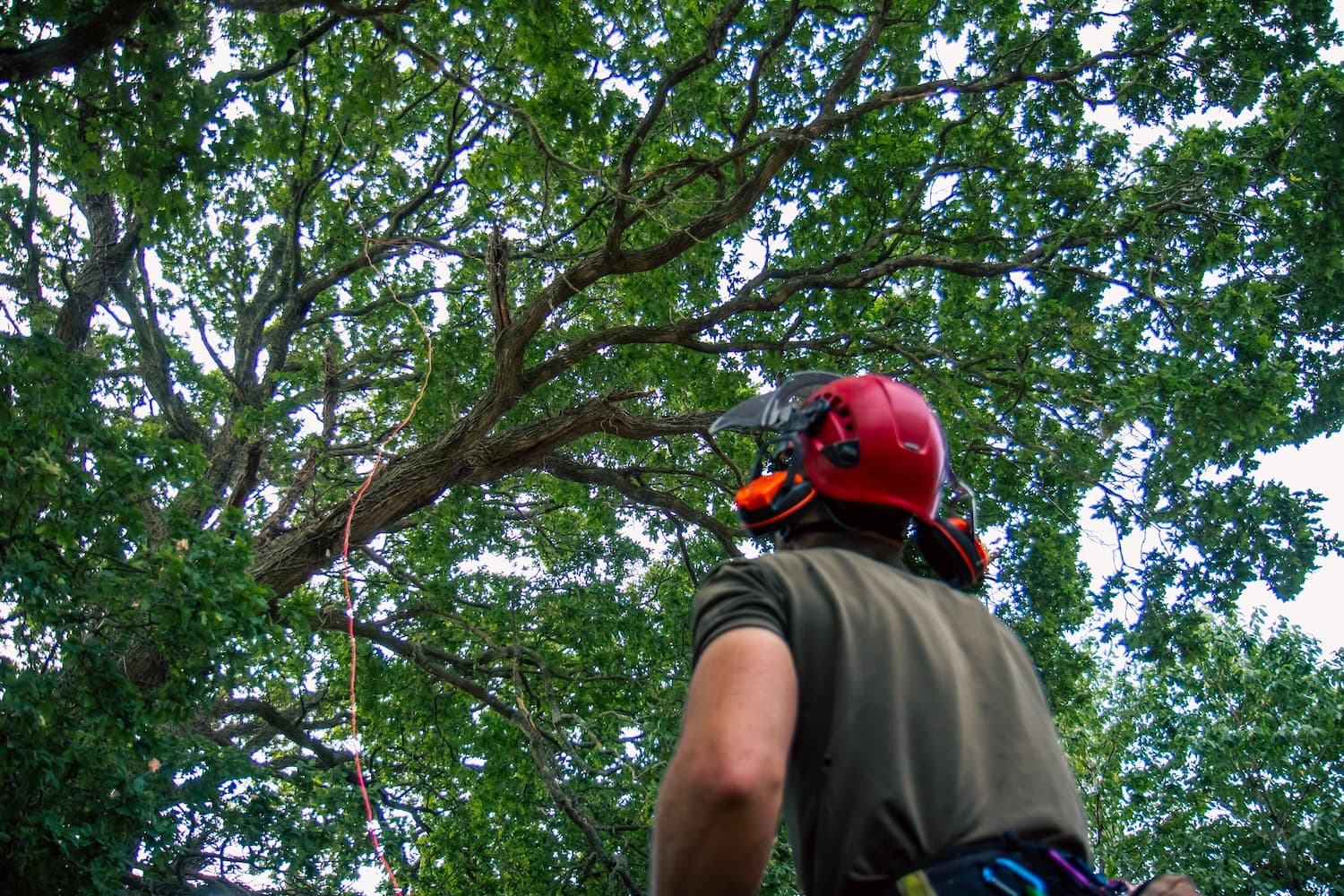
Surveys, jobs and the day's tasks, on the phone.
Surveys completed on site, the day's jobs with their tasks, photos and risk assessments, crew assigned so everyone knows who's on what, and the week's work on a map. When there's no signal, it keeps working.
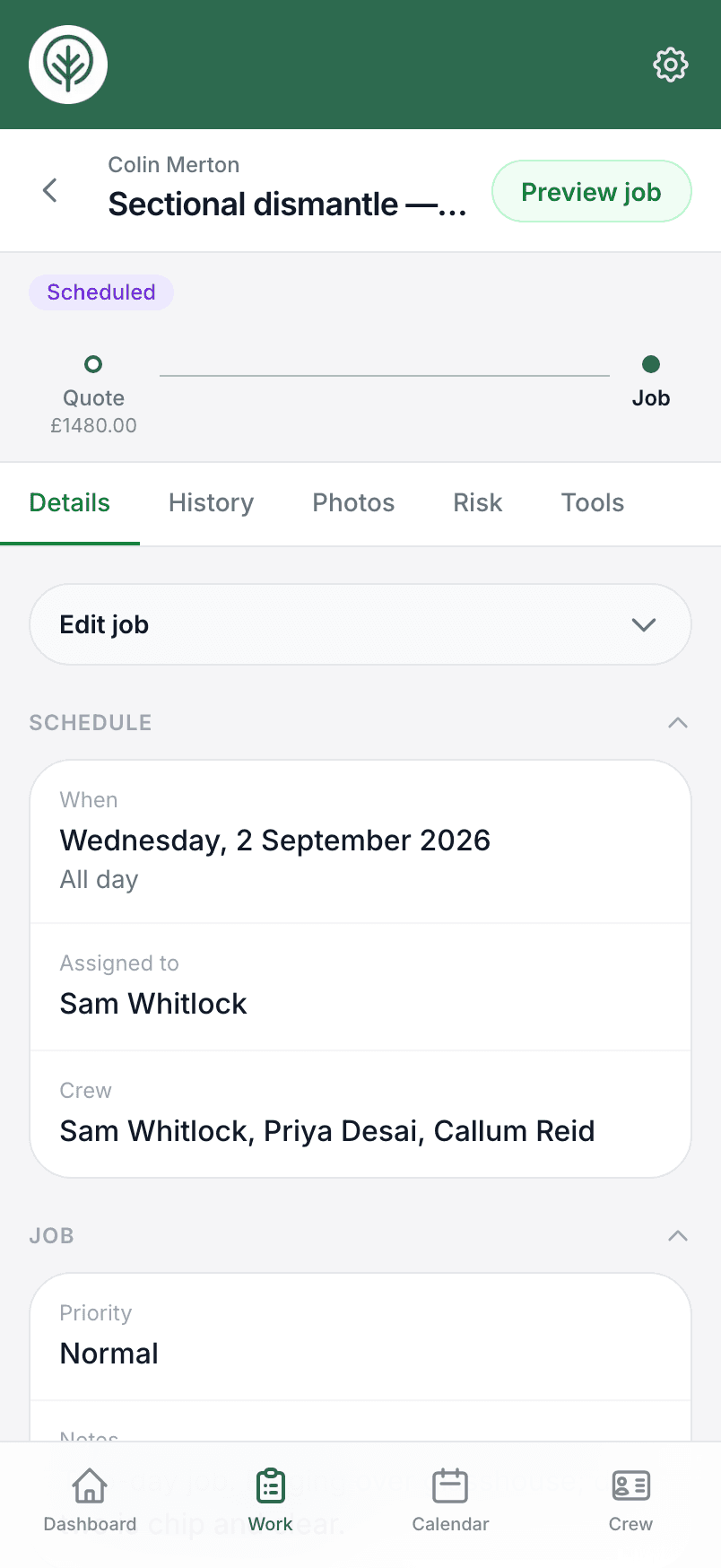
Schedule surveys and complete them on site
Book the survey on the calendar and fill it in at the site. Your own survey templates ask the questions you want answered, photos and notes are kept with it, and TPO and conservation area answers save back to the site record. A finished survey can be turned into a quote for the same customer and site.
- Customise your own survey templates
- Photos, notes and TPO checks kept with the site
- Turn the survey into a quote in a couple of taps
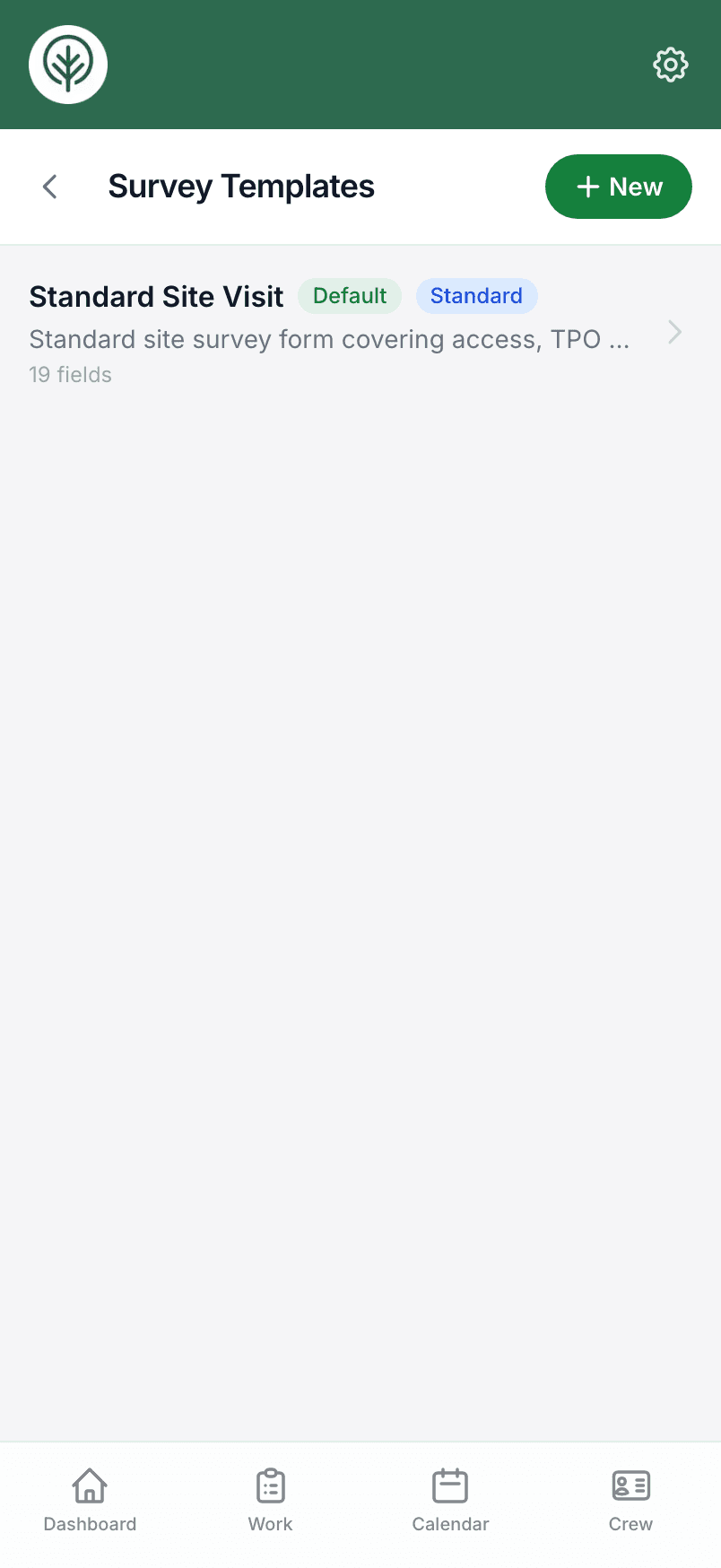
Everything you need to run the day's work
Open the job and it's all there: the site, the customer, the task list from the quote, the photos and the risk assessment. Tick tasks off as they're done and the office sees the same list.
Crew assigned, so everyone knows who's on what
Put crew on surveys and jobs — including contractors who aren't on the app. Assign a job and they get the site, the tasks and the risk assessment on their own phone. Crew get Site access: quotes, invoices and prices stay with the office.
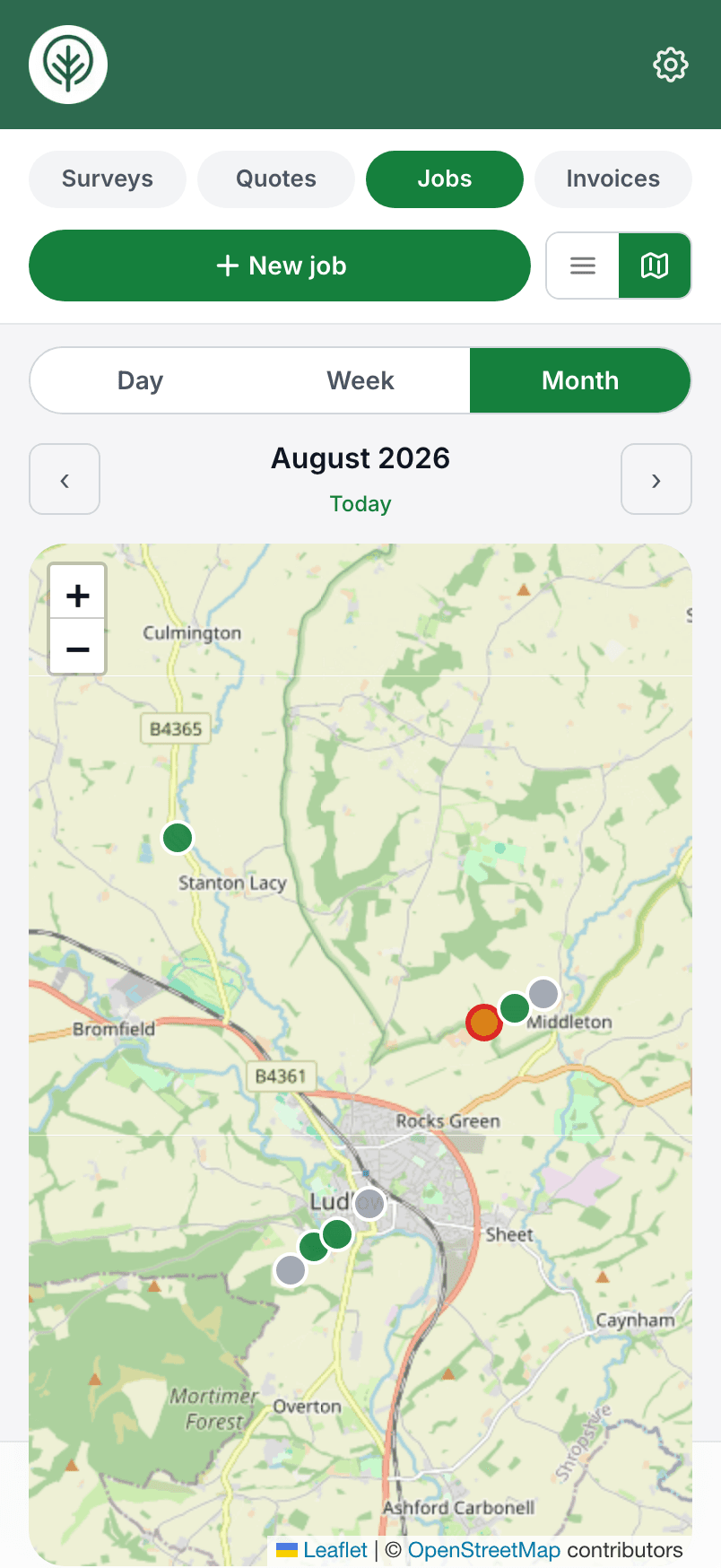
The week's work on a map
Switch the jobs or surveys list to a map and the work is plotted by the customer's address — day, week or month. Handy when you're booking work in and want to see what's near what.
Offline mode for no-signal sites
Plenty of sites have no reception. Your day's jobs are held on the phone, so with no bars at all you can still open them, tick tasks off, edit the job, fill in a survey or file an incident. Anything saved offline shows at the top of the screen until it has synced, and it uploads on its own the moment you are back in range.
Handwriting into typed notes
Some people still think best with a pencil. Photograph a page of handwritten notes and Treetask turns it into typed text you can drop straight into the survey.
Photos, kept with the job
Take photos on the survey or the job and they are kept with that work, so the whole crew sees the same pictures. Mark one up when you need to point something out.
A help assistant on every screen
No manual and no training day. A guided tour shows you round on your first login, and a built-in help assistant is there on every screen for the how-do-I moments.
Try it on your own jobs.
Set your business up in a few minutes and put a real job through Treetask. It’s free to use until 30 November 2026, and there’s no card to enter.