
Your crew, their tickets and who's on what.
Hand out jobs, keep track of everyone's tickets and manage time off. Quotes and prices stay with the office.
What’s in it
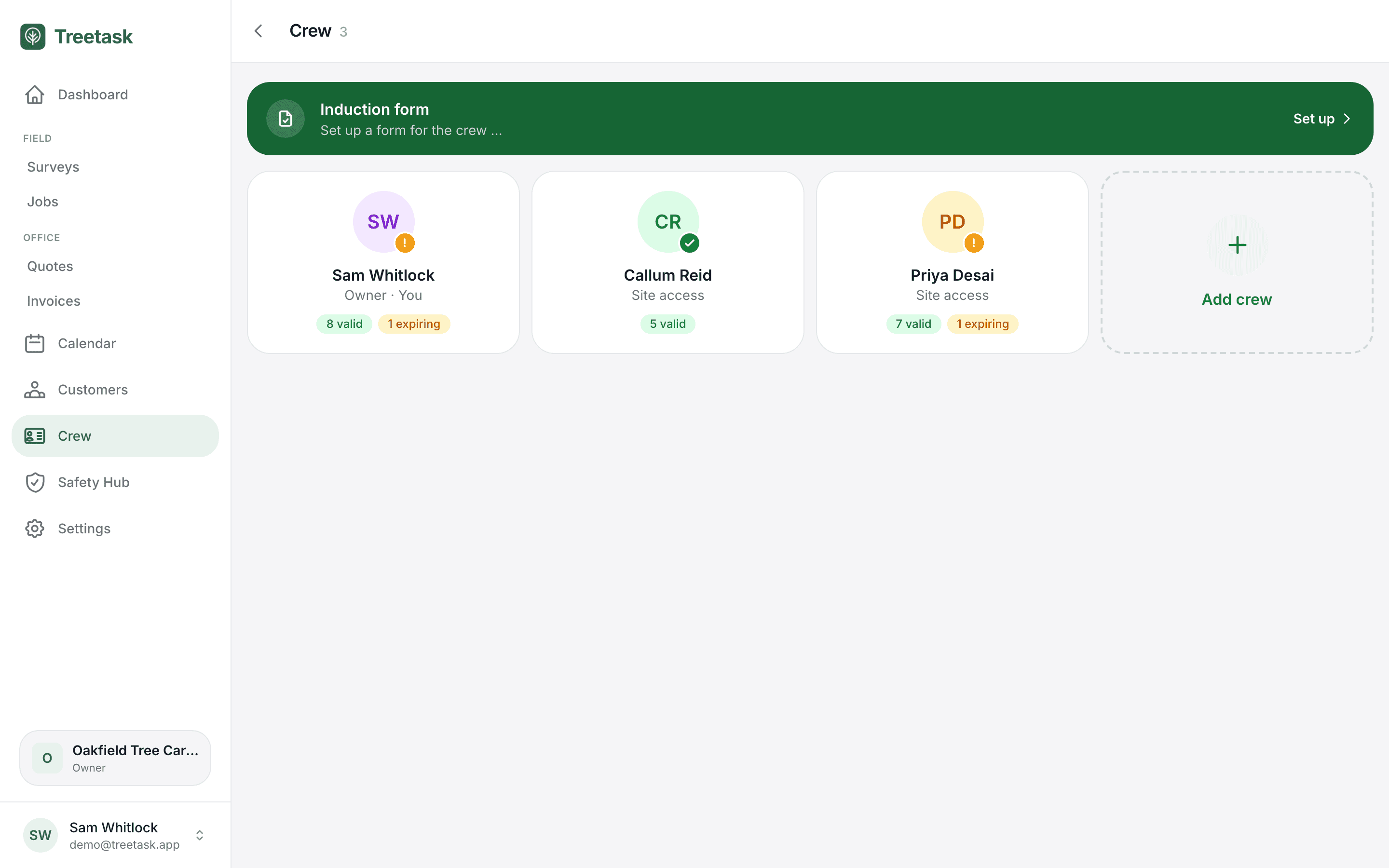
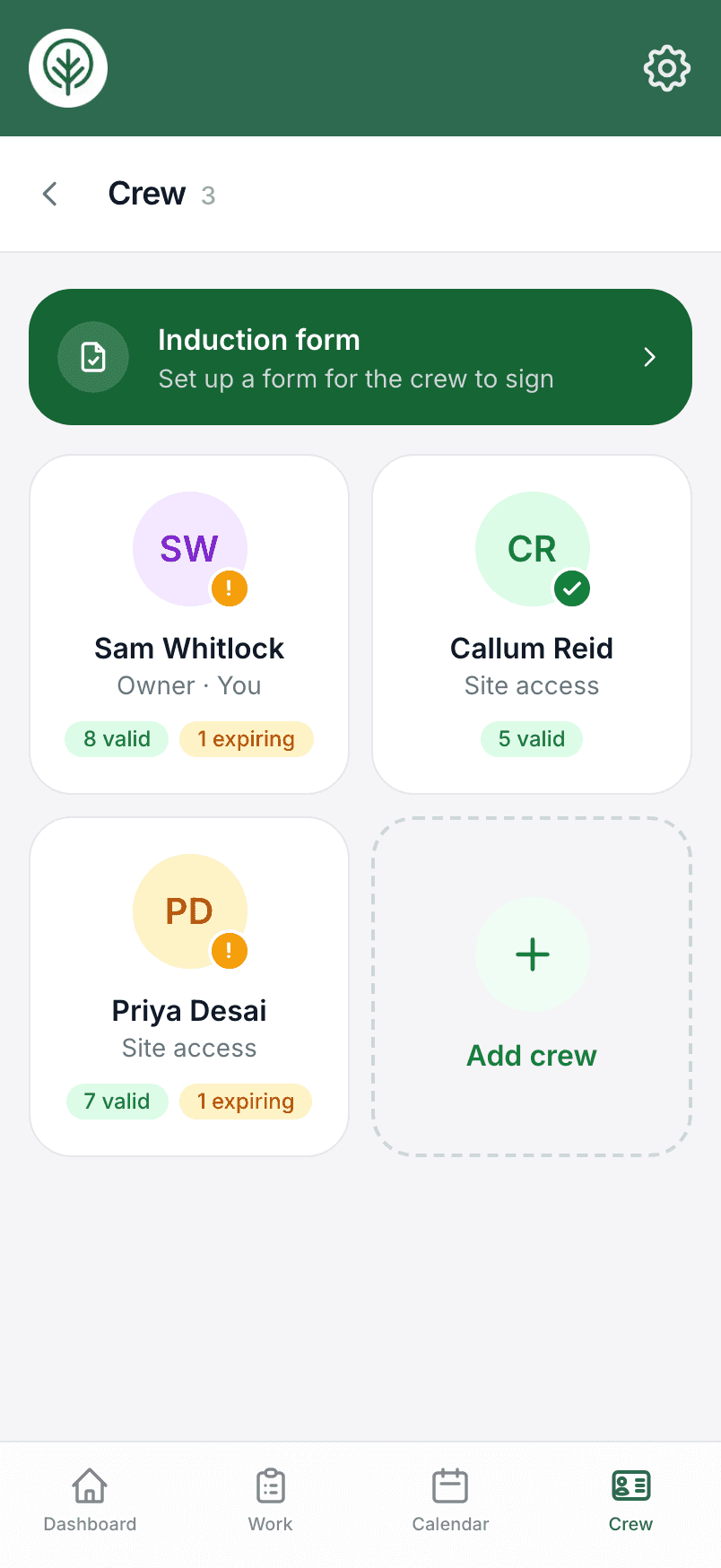
Everything about your team, kept with the person.
Jobs with everything attached
Crew and contractors get the site, tasks, risk assessment and photos on their phone.
Two access levels
Site access does the field work; quotes, invoices and prices stay with the office.
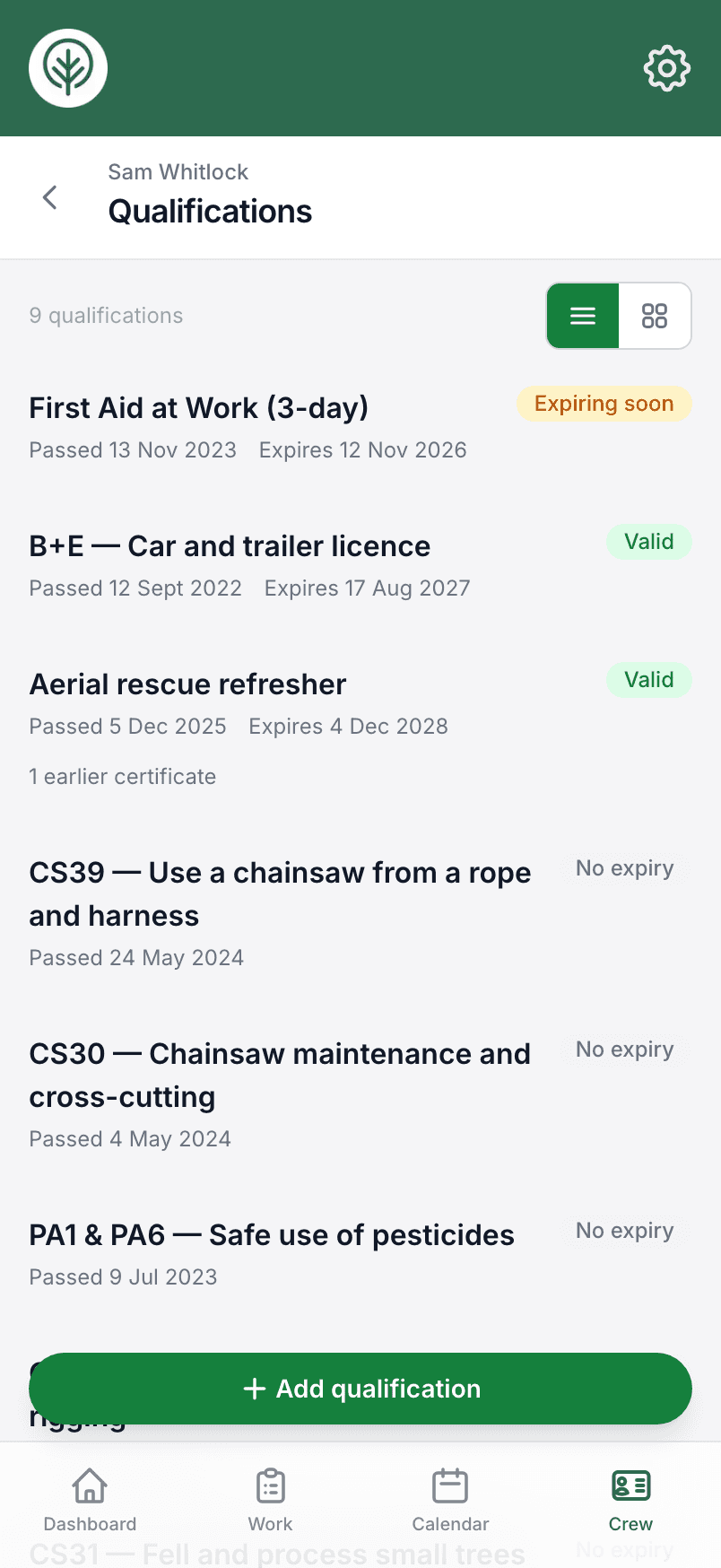
Tickets and certificates
Add any ticket by name with a scan, and see what's valid, expiring or expired.
Reminders before they lapse
A dashboard reminder ahead of each expiry, on a lead time you choose.
Renewal history
Record a renewal and the previous certificate is kept, not overwritten.
Holiday requests
Crew ask for time off, you approve it, and it shows on the calendar.
A documents area each
Licences, insurance and CPD certificates, uploaded by the person they belong to.
Induction, signed on the phone
Write your induction once; new starters read and sign it, and you can make it compulsory.
The week ahead by email
Every Monday: the week's work by day, who's on it, who's off, and tickets expiring soon.
Hand a job over without a phone call
Put crew or contractors on a job, including people who aren't on the app. Each person sees the jobs they're on, and nothing they shouldn't.
Try it on your own jobs.
Set your business up in a few minutes and put a real job through Treetask. Every account starts with 14 days free. You add a card to start, and nothing is charged until the trial ends.