
What’s on the template
One page, written for tree work.
Both versions have the same sections:
- Your details, the quote number, the date and how long the price is valid for.
- The customer and the site address, which is often different from where they live.
- A line for each tree or task, with a worked example of how to describe it.
- Subtotal, VAT and total. The Excel version works these out for you.
- Tick boxes for what the price includes: arisings, logs, the stump and the clear-up.
- Tree protection: whether there's a TPO or conservation area, and who is arranging consent or notice.
- Terms: proposed start date, access, what's not included and payment terms.
- A signature line for the customer to accept.
What to write
What to put on a tree work quote.
Describe each job so that someone who wasn’t there could read the quote and check the work was done as agreed.
| On the quote | What to write |
|---|---|
| Each tree | A number (T1, T2), the species and where it is, such as “beech, back boundary, left of the shed”. |
| The work | What you'll do, in terms you can measure, such as a crown reduction by up to 2m or a crown lift to 5m over the drive. |
| Arisings and logs | Whether brash is chipped and taken away, and whether logs stay on site or go. |
| The stump | Ground out, left at ground level or left at a set height. |
| Access | Gates, parking, permits and anything the customer needs to move or arrange. |
| Tree protection | Whether the tree has a TPO or is in a conservation area, and who applies to the council. |
| Price and VAT | A price per item or one total. If you're VAT registered, show the VAT and the total including it. |
| Valid until | The date the price holds to. |
| Start date and payment | When you plan to start, and when and how you want paying. |
| Not included | Anything the customer might assume is in the price, such as removing other trees or making good a lawn. |
How to fill it in
From the site visit to the customer.
- 1Fill in the work section on site, while you can see the trees. Number each tree and note its species and position.
- 2Tick what the price includes and write anything it doesn't include in the terms.
- 3Check whether any tree has a TPO or is in a conservation area, and say who will arrange consent or notice.
- 4Add a price to each line, or one total for the whole job. In Excel, choose the VAT rate from the dropdown.
- 5Fill in the valid-until date, the proposed start date and your payment terms.
- 6Send it to the customer and ask them to sign and date the acceptance section, or reply in writing.
Tree protection
TPOs and conservation areas.
Work on a tree with a Tree Preservation Order normally needs consent from the local council first. In a conservation area, most work on trees without a TPO needs six weeks’ written notice to the council before it starts. The Planning Portal explains both.
Either you or the customer can apply. Putting who does it on the quote, with the date it was sent, means nobody starts work assuming the other person has done it.
Acceptance
Get the quote accepted in writing.
A signature, or an email or text saying they accept, gives you a record of the price and the work the customer agreed to. That record matters most when extra work is added on the day, so write extras down and get them agreed in the same way.
If you agree the job with a householder at their home, they usually have 14 days to cancel under the Consumer Contracts Regulations 2013, and you need their request in writing to start within that time. Check the rules if you often book work on the doorstep.
In Treetask
Quotes from the survey, accepted online.
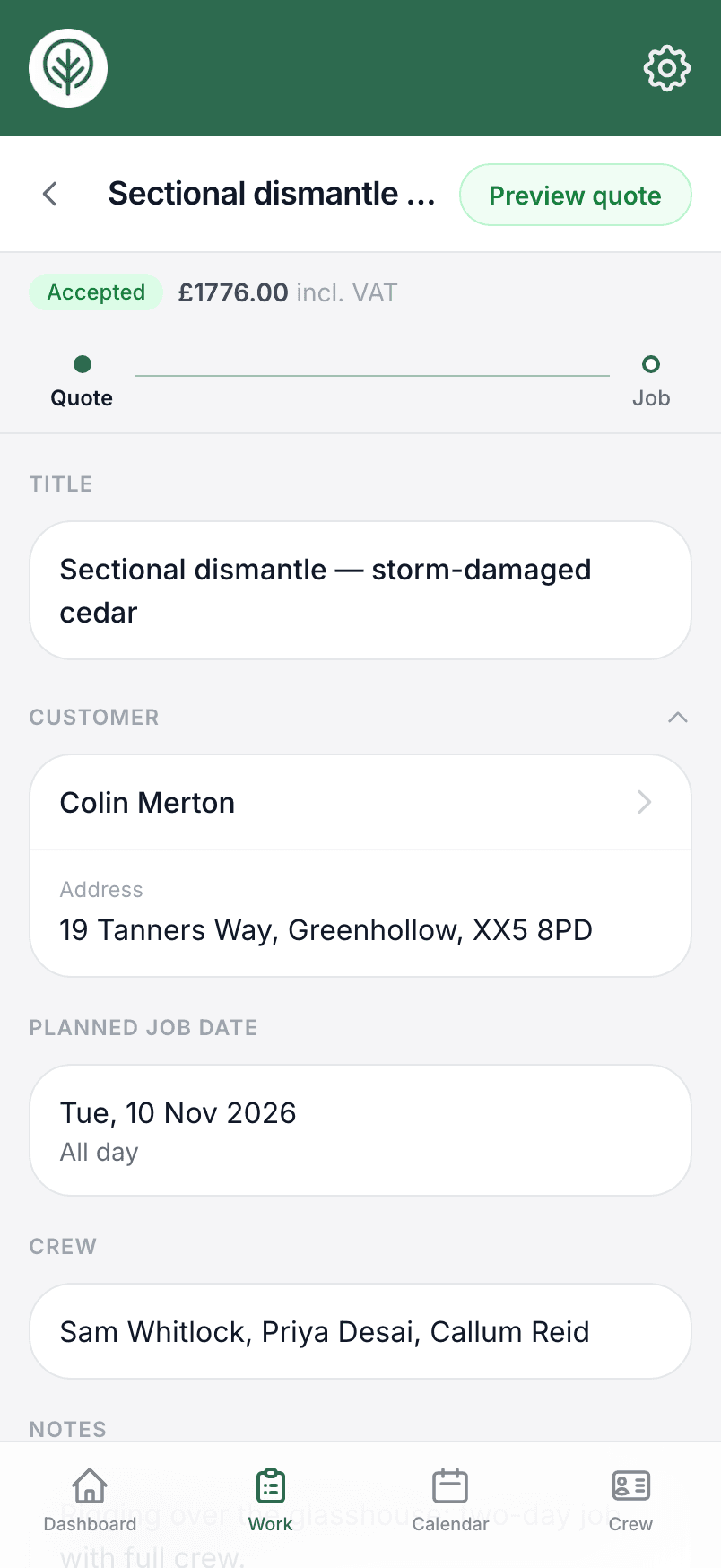
In Treetask you write the quote from the site survey, as priced tasks or one total, and send it as a PDF with your logo, terms and bank details. The customer can accept it from a link by typing their name, or you can send it through QuickBooks. Quotes waiting more than a week are listed on the dashboard so you know who to chase.
This template is a starting point. Check the wording and terms suit your business before you use it.