
What’s in the template
Everything a UK invoice needs.
- Your business details, the customer's details and the site address.
- An invoice number, the invoice date, the date the work was done and the date payment is due.
- Lines for the work with quantity, unit price and amount.
- Subtotal, VAT and total. In the Excel version these work themselves out, and the VAT rate can be set to 0% if you're not VAT registered.
- Your bank details and payment terms, with the invoice number as the payment reference.
The rules
What a UK invoice must show.
Every invoice needs:
- A unique invoice number.
- Your business name, address and contact details.
- The customer's name and address.
- A clear description of the work.
- The date the work was done and the date of the invoice.
- The amount charged, any VAT, and the total owed.
Sole traders must show their own name as well as any business name they trade under. If you use a business name, also give an address where legal documents can be delivered to you.
Limited companies must show the full company name exactly as it appears on the certificate of incorporation. If you list any directors’ names on the invoice, you have to list all of them.
VAT
Extra details if you’re VAT registered.
A VAT-registered business issues VAT invoices, which carry more detail. On top of the list above, show:
- Your VAT registration number.
- The date of supply, if it's different from the invoice date.
- For each line: the quantity or extent of the work, the unit price, the VAT rate and the amount before VAT.
- The total before VAT and the total VAT charged, in pounds.
Invoice numbers must run in sequence. HMRC expects a VAT invoice within 30 days of doing the work. Tree work is normally standard rated at 20%. Logs sold as fuel for domestic use can be reduced rated at 5%, so check the rate if you sell firewood. If you aren’t VAT registered, don’t charge VAT or show a VAT number.
Getting paid
Payment terms and chasing.
Put your payment terms on every invoice, such as payment within 14 days, along with the date it’s due and how to pay. Put the same terms on the quote, so the customer has agreed them before the work starts. Asking for the invoice number as the payment reference makes payments easy to match.
When an invoice goes past its due date, a short reminder with the amount, the due date and your bank details is usually enough. Keep a note of when you chased and how.
The law
Can you charge interest on late payment?
When the customer is a business, yes. Commercial customers such as councils, managing agents, schools and other companies come under the late payment law. If you agreed no payment date, payment is late 30 days after the customer receives the invoice or after you did the work, whichever is later. You can then claim statutory interest of 8% plus the Bank of England base rate, and a fixed sum towards the cost of recovering the debt:
| Amount owed | Fixed sum you can claim |
|---|---|
| Up to £999.99 | £40 |
| £1,000 to £9,999.99 | £70 |
| £10,000 or more | £100 |
This law covers business-to-business work only. It doesn’t apply when a homeowner pays you for work on their own garden. For domestic customers, set out your payment terms on the quote and the invoice.
Records
How long to keep invoices.
Keep a copy of every invoice you send. A limited company must keep its records for 6 years from the end of the financial year they relate to, and sometimes longer. A sole trader must keep records for at least 5 years after the 31 January Self Assessment deadline for that tax year.
Using the template
Filling it in.
- 1Add your business details and bank details once, then save a copy as your own blank invoice.
- 2For each job, give the invoice the next number in your sequence. Never reuse a number.
- 3Describe the work the way it was on the quote, so the customer can match the two.
- 4Enter the date the work was done and the payment terms. The Excel version works out the due date.
- 5Check the VAT rate, then save the invoice as a PDF and send it.
- 6Keep a copy, and note when the invoice was paid.
In Treetask
Invoices from the job, with the quote carried over.
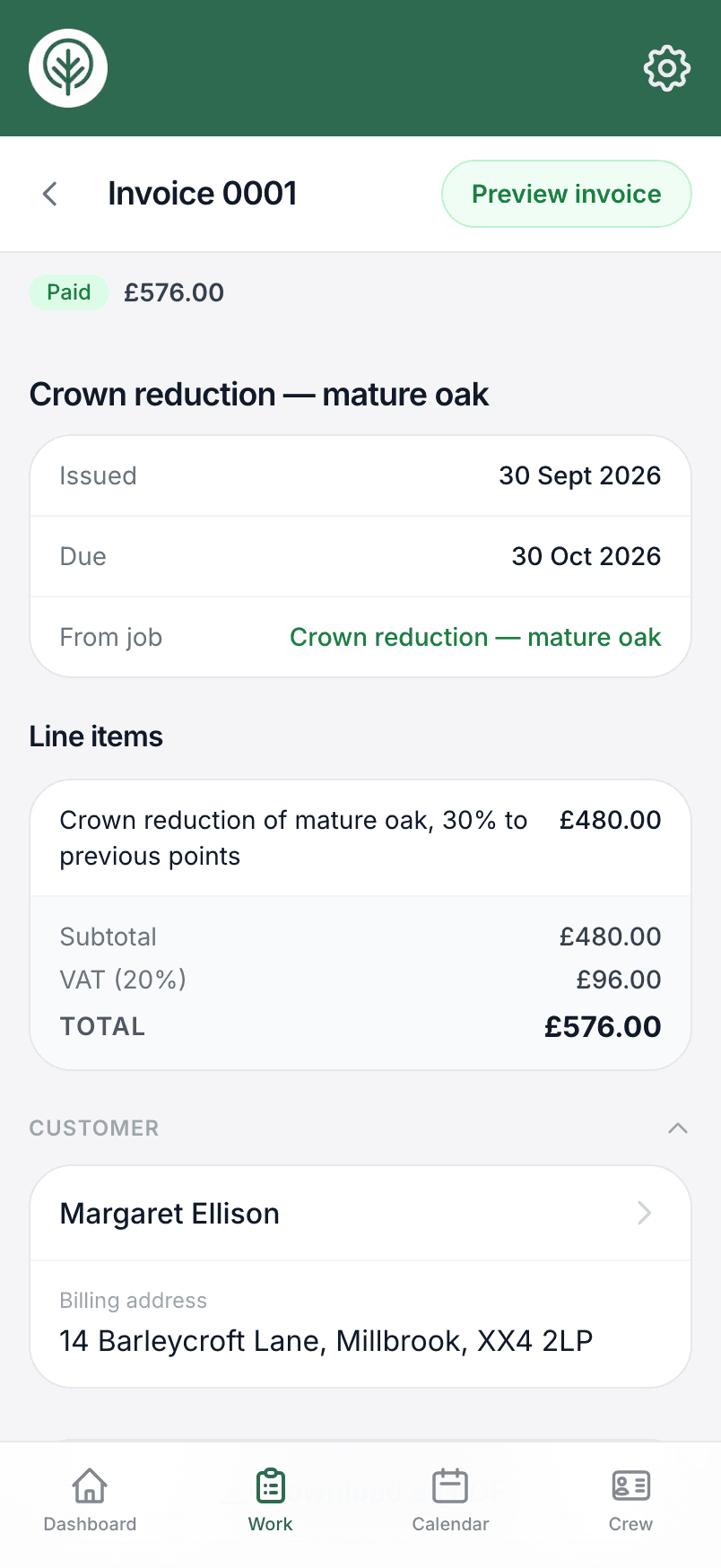
In Treetask you raise an invoice from a finished job or an accepted quote, and it starts with the quote's lines and total. Numbers run in order, and your VAT rates and bank details print on the PDF. You can text the customer a link to view the invoice, and overdue invoices show on the dashboard so you can see who to chase. If you use QuickBooks, Treetask can send the invoice there and pick up when it's been paid.
This guide covers the basics for UK businesses. Check anything specific to your business, such as which VAT rate applies, with your accountant or HMRC.