
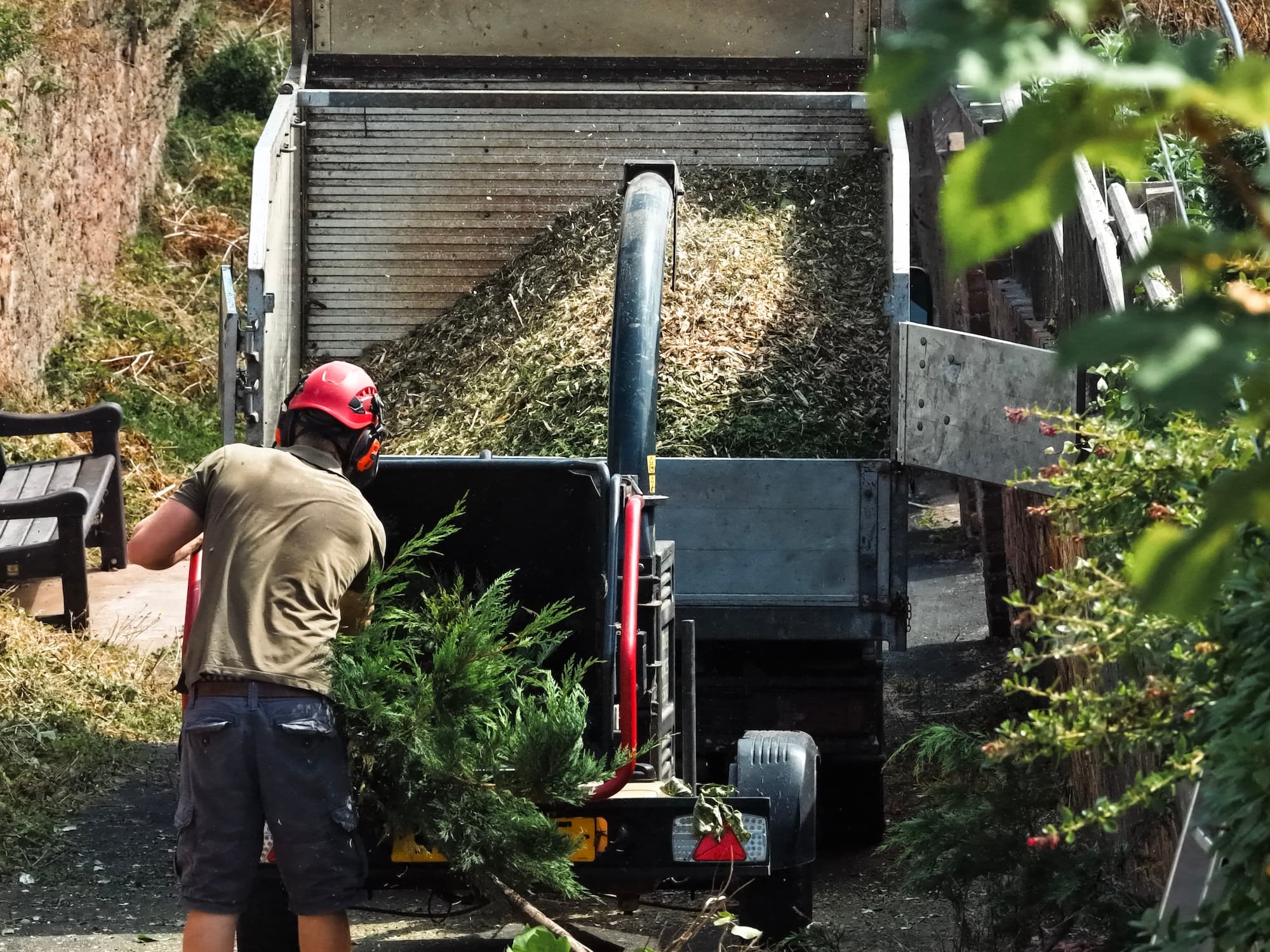
Risk assessments, the accident book and your kit records.
The Safety hub holds four things: the risk assessments signed on every job, the accident book, your equipment and its servicing, and the crew's tickets. It's the same on the phone and on a laptop, so the crew fill things in on site and the office finds them later.
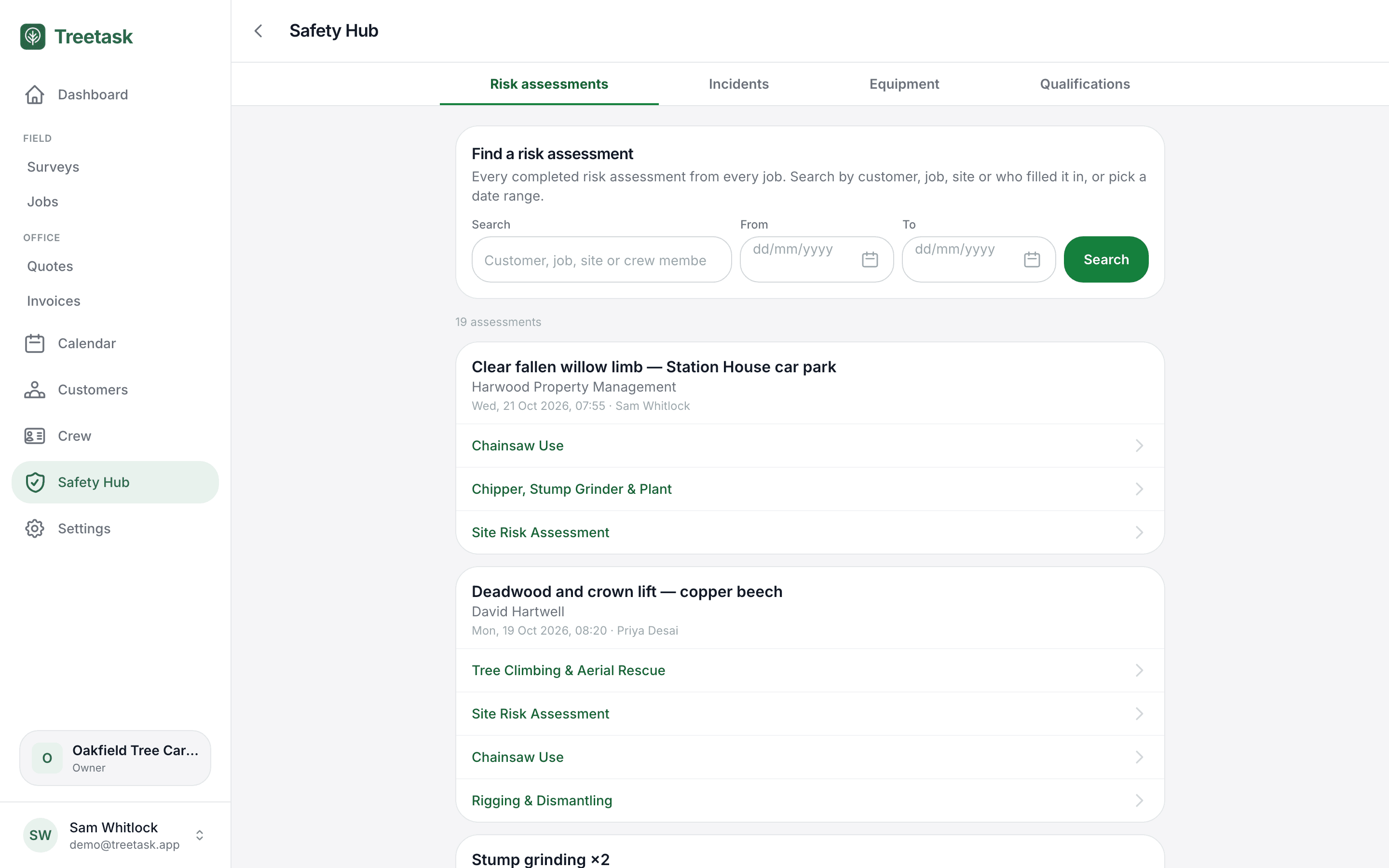
A Site Risk Assessment on every job, plus the add-ons that apply
The Site Risk Assessment covers the whole job: who's on site, ten scored hazards with their controls, site set-up and welfare, PPE, health and COSHH, wildlife and the emergency arrangements. Seven add-ons sit alongside it for the work that needs them: Roadside Working (Chapter 8), Tree Climbing & Aerial Rescue, Chainsaw Use, Rigging & Dismantling, MEWP, Mobile Crane, and Chipper, Stump Grinder & Plant. On the job, tick the ones that apply, fill them in as one form and sign once. The rest of the crew add their own signatures on the same phone.
- 13 standard templates, or build your own
- One form, one signature, however many apply
- Every crew member on site can sign
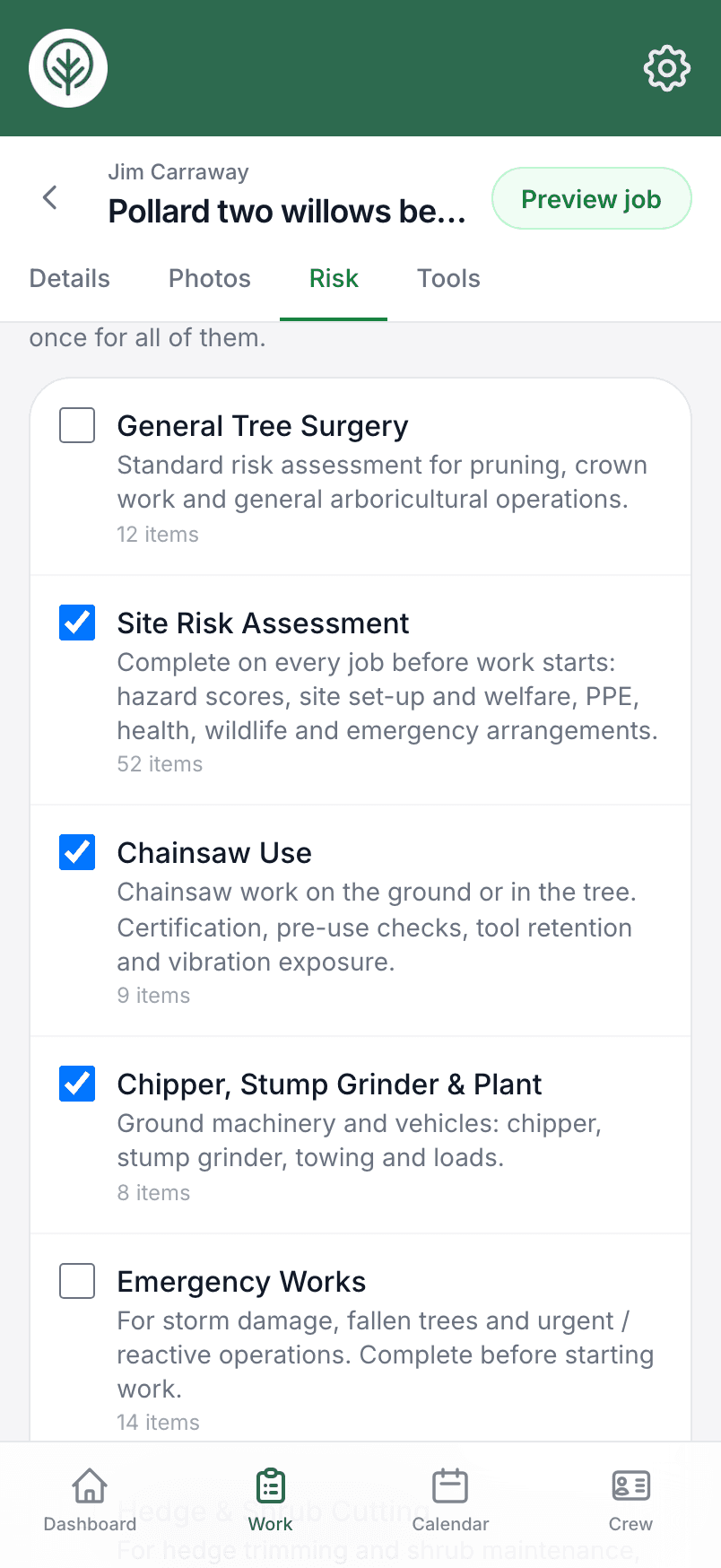
Send the risk assessment as a PDF
Open any completed assessment to see every answer, risk score and signature. Download it as a PDF, or share it from your phone to the client, council, insurer or auditor who asked for it. Download all puts every assessment on a job into one PDF.
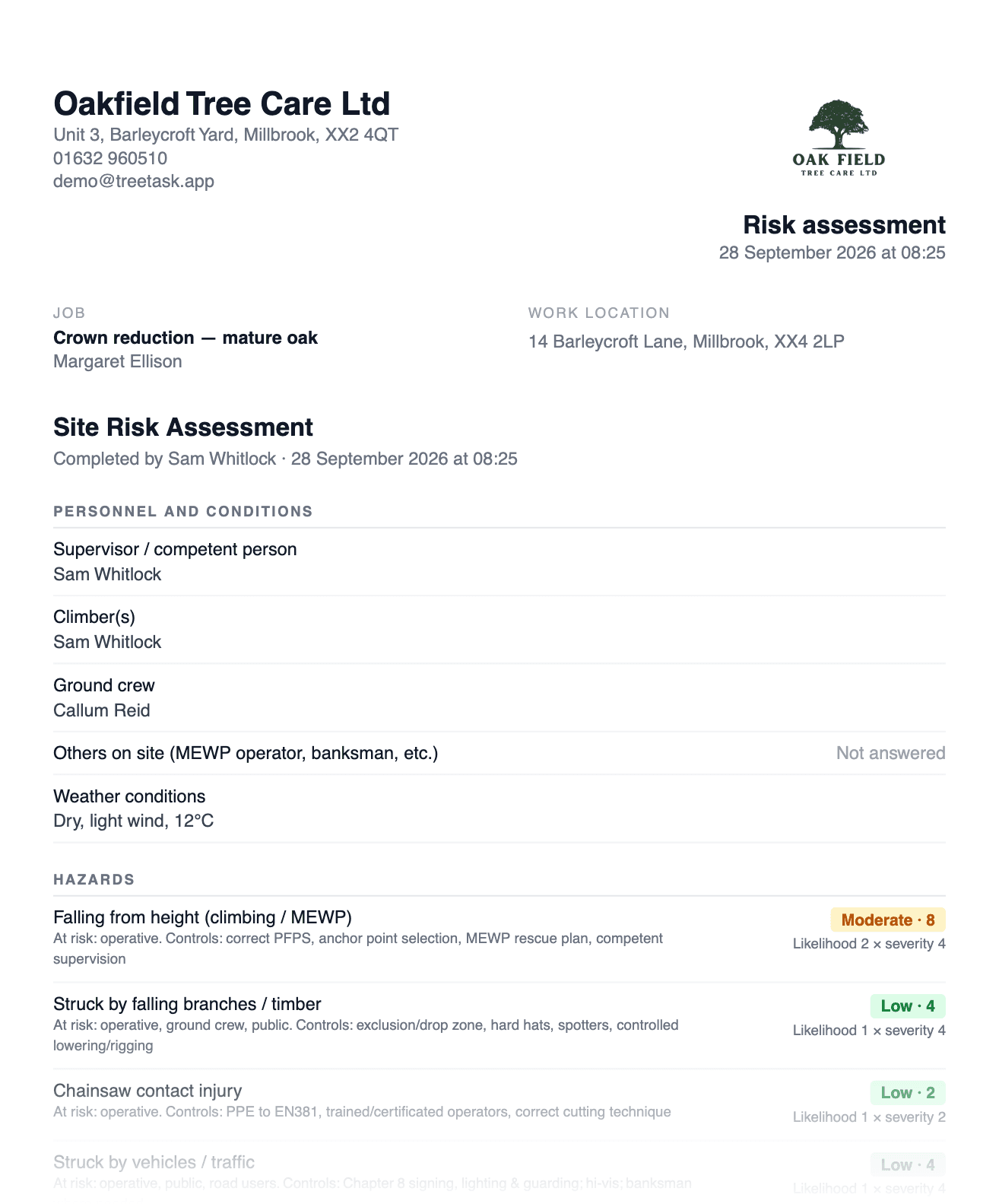
Every assessment in one register
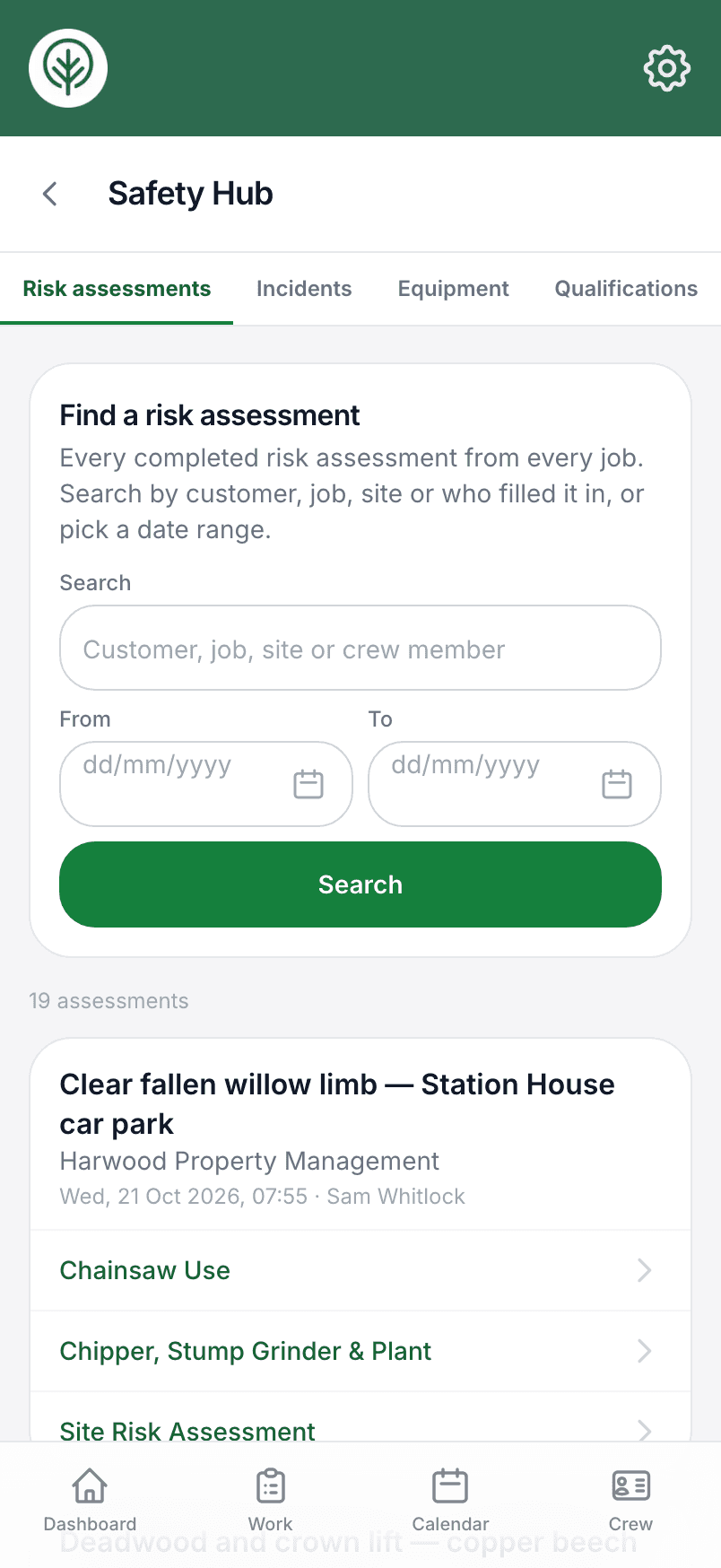
Every completed assessment from every job is listed together, newest first. Search by customer, job, site or crew member, or pick a date range. It's there for the office when someone asks for the paperwork from a job months ago.
An accident book the crew can fill in from site
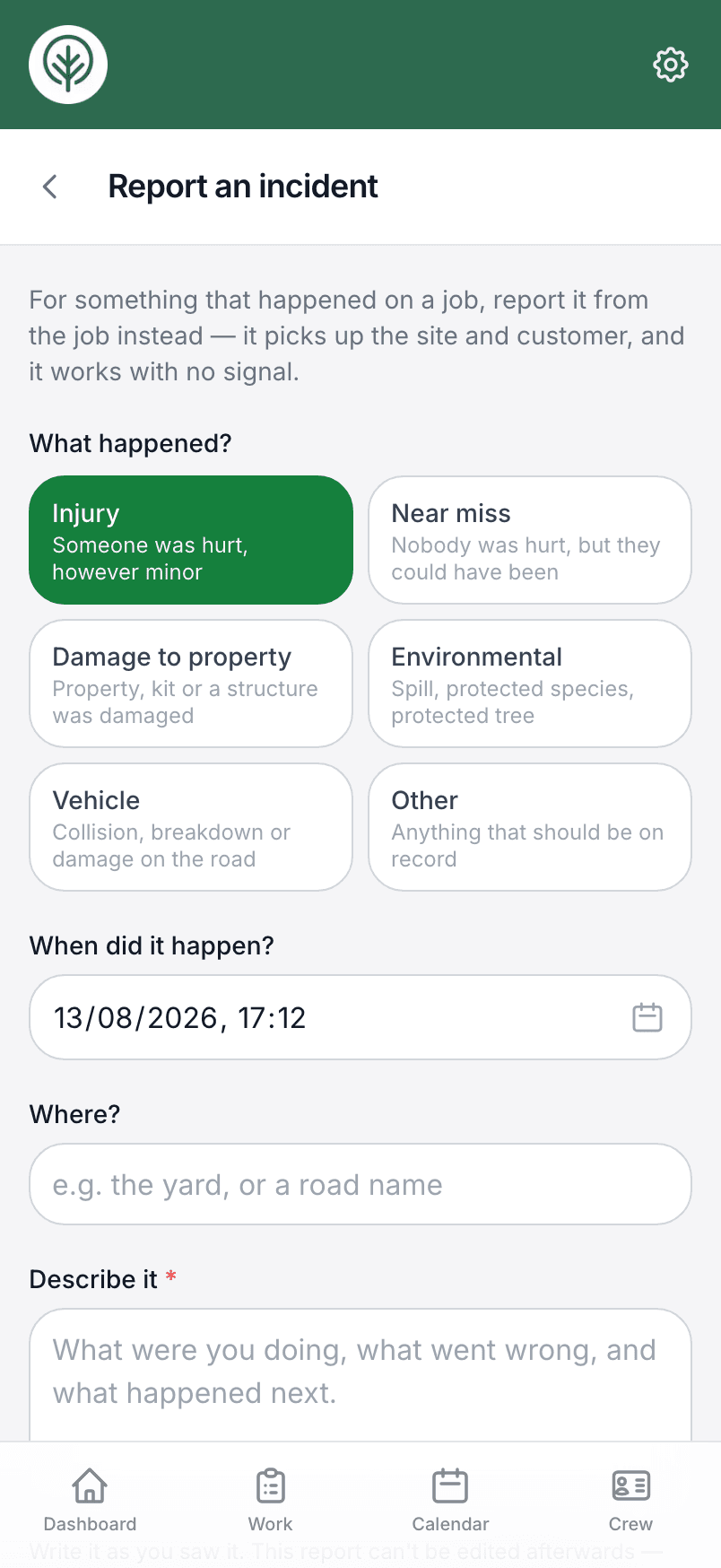
Injuries, near misses, damage — anyone on the crew can report an incident from the job or the yard, even with no signal. Reports cannot be quietly edited afterwards; corrections are added as dated amendments, the way an accident book should work.
Equipment and its service history
Your saws, climbing kit and vehicles are in the same hub, with inspection dates and a service history for each item.
Tools and equipmentCrew tickets and expiry dates
Everyone's tickets and certificates are listed with their expiry dates, so you can see what has lapsed and what is coming up.
Crew managementThe crew induction, signed once and kept
Write your induction and site rules once, and every new crew member reads and signs it on their phone before they start. The signed copy keeps the exact text they signed, so editing the form later never changes anyone's record.
Try it on your own jobs.
Set your business up in a few minutes and put a real job through Treetask. It’s free to use until 30 November 2026, and there’s no card to enter.